

Order emails become orders, in the system you already use
Transportial reads the email and its attachments, builds the order and shows it beside the source for a quick check. The confirmed order goes to your TMS or ERP by API, file or EDI.






















Your planners type what your customers already wrote
Every order is typed twice
The customer writes the order in an email or a PDF, and someone on your side types it again into the TMS.
Mistakes show up on the road
A wrong postcode or weight is found when the truck is already at the door.
Every customer has its own format
One sends a PDF, the next an Excel list with forty lines, a third writes it in the mail itself. No template covers them all.
The mailbox decides the day
On a busy morning, orders wait in the inbox while planning has already started.
Between the mailbox and your own system
Where orders come from
- A mailbox in Microsoft 365, Gmail or IMAP
- Mail forwarded to your intake address
- PDF, Excel, Word and scanned images
- Files uploaded by your team or through the API
AI Order Intake
- Reads the mail and every attachment
- Builds one order per order it finds
- Checks each value against the source
- Learns the habits of each customer
Where the order goes
- Your TMS or ERP, by REST API or webhook
- A file on FTP or SFTP: XML, JSON or CSV
- EDIFACT or X12 messages
- A database table, over SQL
From the inbox to a confirmed order
- Microsoft 365, Gmail or IMAP
Connect the mailbox
Connect a mailbox or a shared mailbox and pick the folder to watch, or forward order mail to your own intake address. Each mail is sorted first: a new order, a change to an existing order, a cancellation or something else.
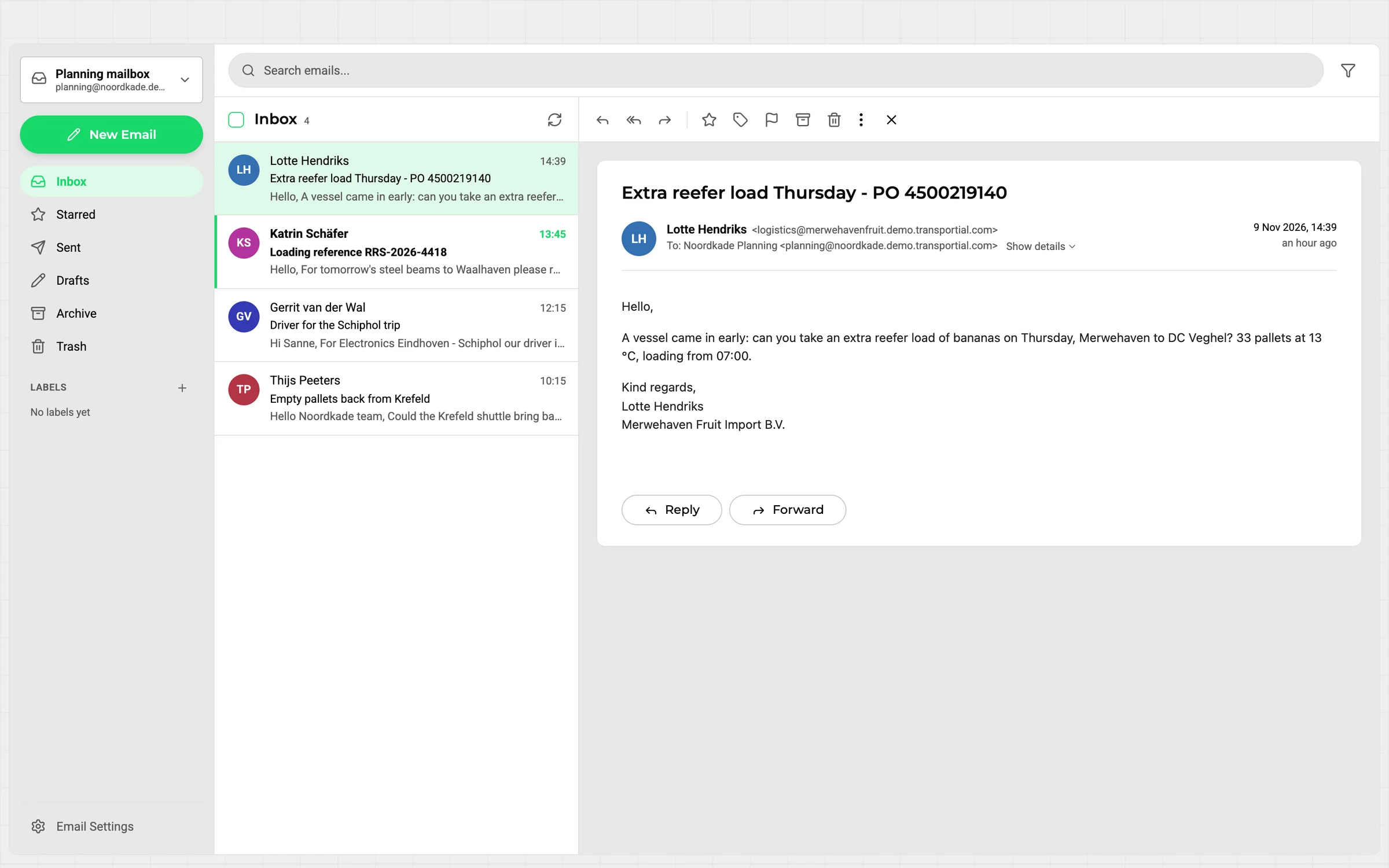
- One order per order, also from long lists
The order is built for you
The model reads the mail text, PDFs, scans, Word and Excel files and emails inside emails. A document with several orders becomes several orders. Customers and addresses are matched to the ones you already have.
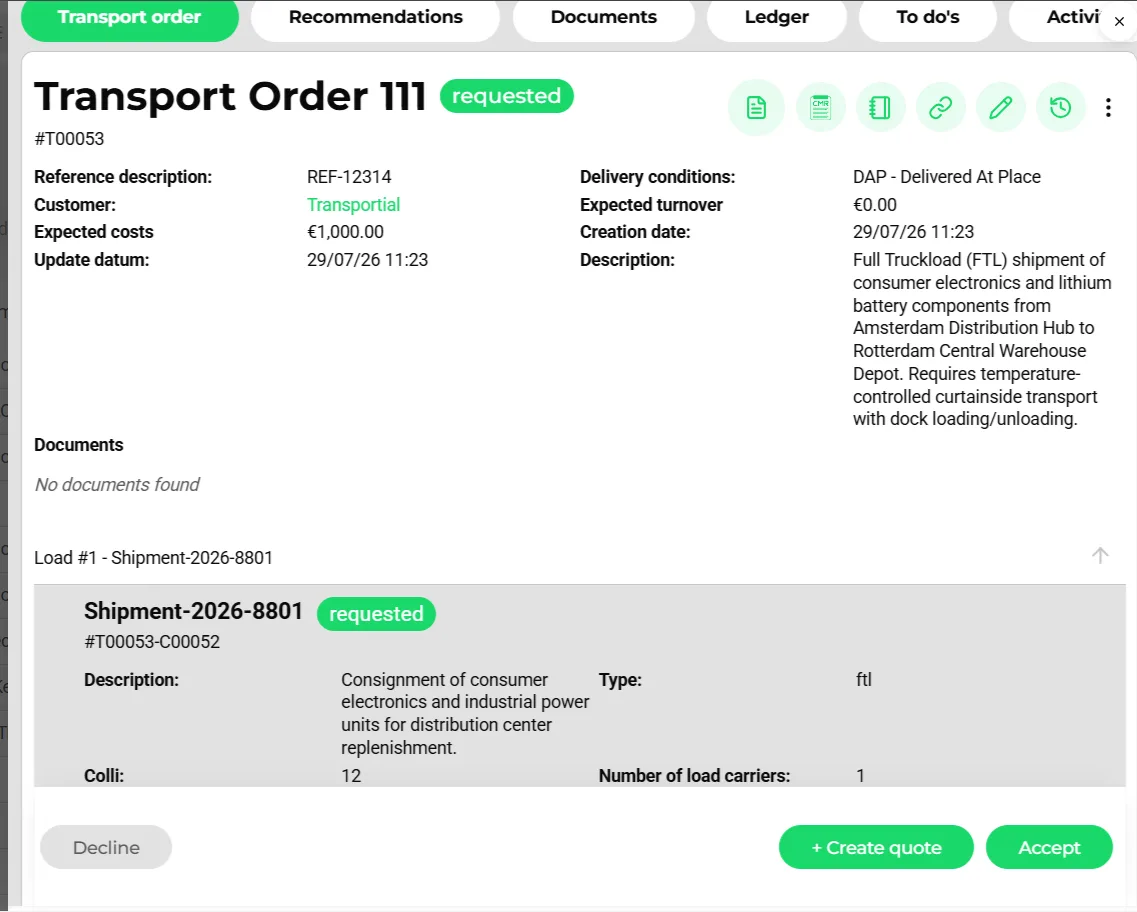
- Doubtful values are marked
Check it beside the source
Each order arrives as a concept with the original document beside it. Values that do not occur in the source are marked, and built-in checks catch wrong time windows, postcodes and weights. A reading that fails still leaves a concept with the mail attached, so nothing is lost.
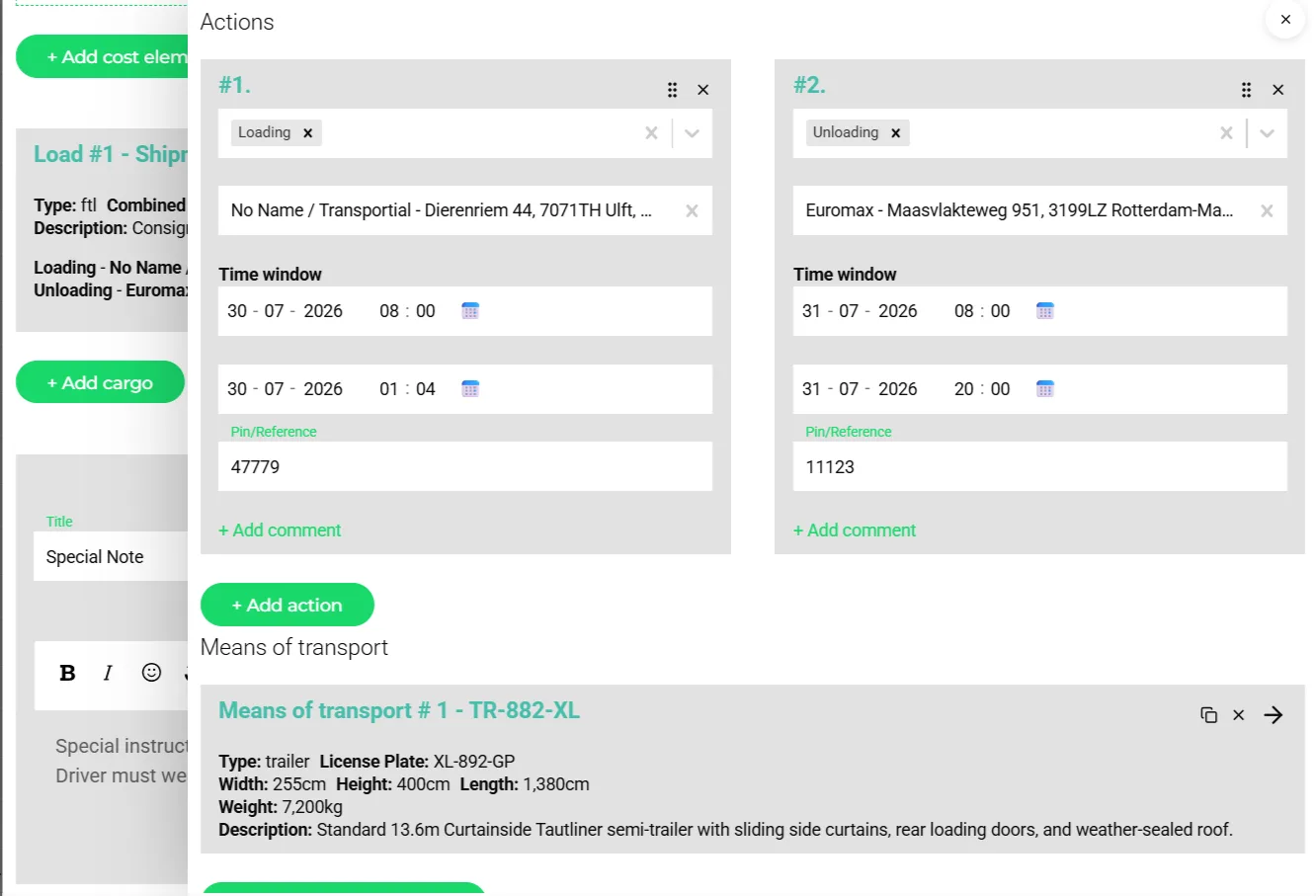
- Auto-confirm per customer
It learns, then it hands over
Write instructions per customer and let confirmed orders serve as examples. When a customer's orders pass without corrections often enough, they can confirm themselves, with a sample still sent for review. Each saved order can be pushed to your own system with your field mapping.
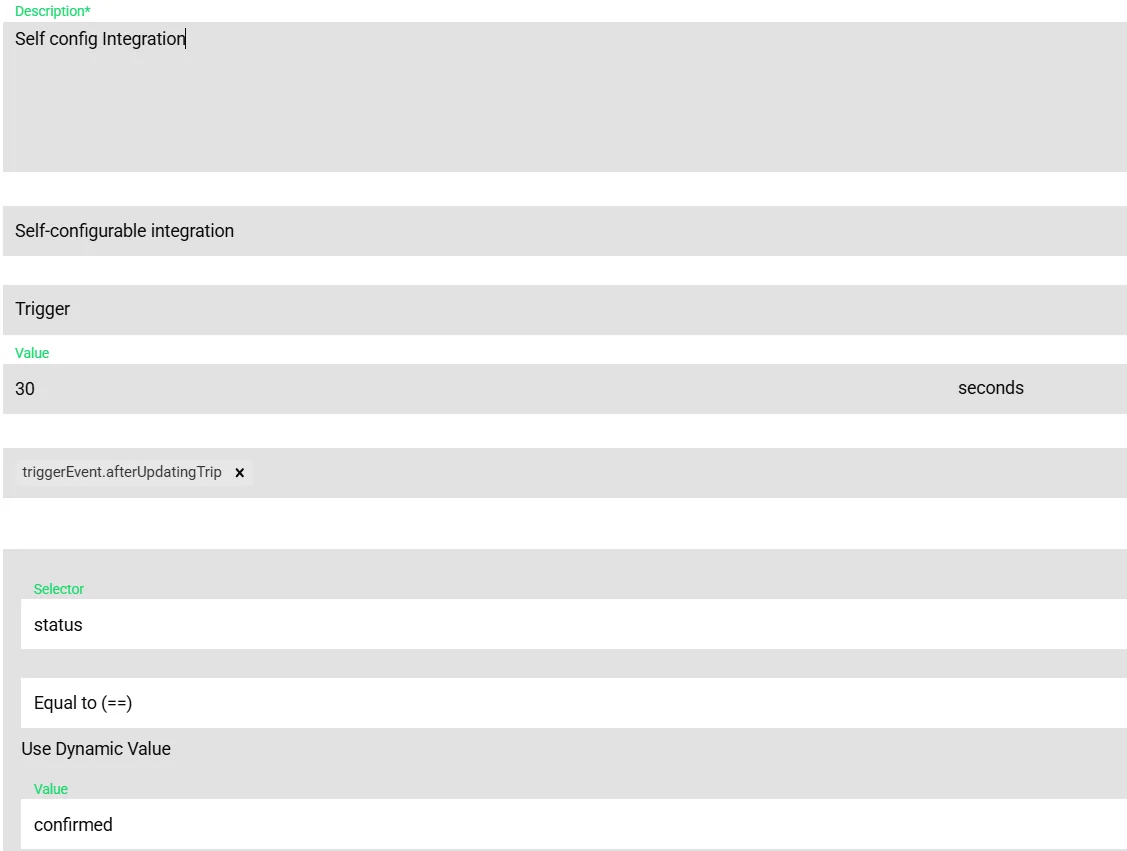
- 3
- mailbox types: Microsoft 365, Gmail and IMAP
- 8
- languages recognised when mail is sorted
- 90%
- default touchless share before a customer auto-confirms
- 3
- AI providers to choose from
Mailboxes and targets you can connect today
Priced like the platform: you pay for what you use
No licence fee, no minimum and no contract period. The full list is on the pricing page.
Free every month
The first 20 consignments, 10 trips and 10 invoices of every month are free, with no end date.
Above that
From €0.50 per consignment, trip or invoice, and cheaper per unit as your volume grows.
Connections
Runs of integrations and message automations are metered per run above a free amount.
When you want more than intake
Work the whole mailbox
Every mail linked to its order, with replies from the order itself.
Keep the order here
Manage the order, its consignments and its documents from booking to delivery.
Plan it straight away
Let the solver put new orders on vehicles within driving times, time windows and capacity.
AI order intake: frequently asked questions
Which systems can it send orders to?
Any system that accepts an HTTP call, a file or an EDI message. You map the fields once in the integration framework: REST API or webhook, XML, JSON or CSV over FTP or SFTP, EDIFACT, X12 or a SQL table. There is no ready-made connector per TMS brand; the mapping is set up for your system.
Which files can it read?
PDF with or without a text layer, scans and photos, Word and Excel files, CSV, text and HTML, and emails attached to emails. Long lists are split up, so an Excel file with many lines becomes many orders.
What happens with changes and cancellations?
A mail that changes an order updates the order that is already there instead of making a second one. A cancellation is linked to its order for you to decide on; it is never carried out automatically.
How do I know how well it works?
The quality panel shows how many orders were confirmed without a correction and which fields were corrected most, in total and per customer. You can also replay reviewed orders against a new model to see whether it does better or worse.
Which AI model reads my orders?
You choose the provider and the model per workspace: OpenAI, Google Gemini or Anthropic Claude.
What if information is missing?
You set which fields an order needs. For mail from a connected mailbox, Transportial writes a reply that asks for what is missing and leaves it as a draft in your mailbox. It is never sent without you.