

3D Load Planning
Visualise exactly how cargo is loaded with an interactive 3D stack map before the truck leaves the yard.
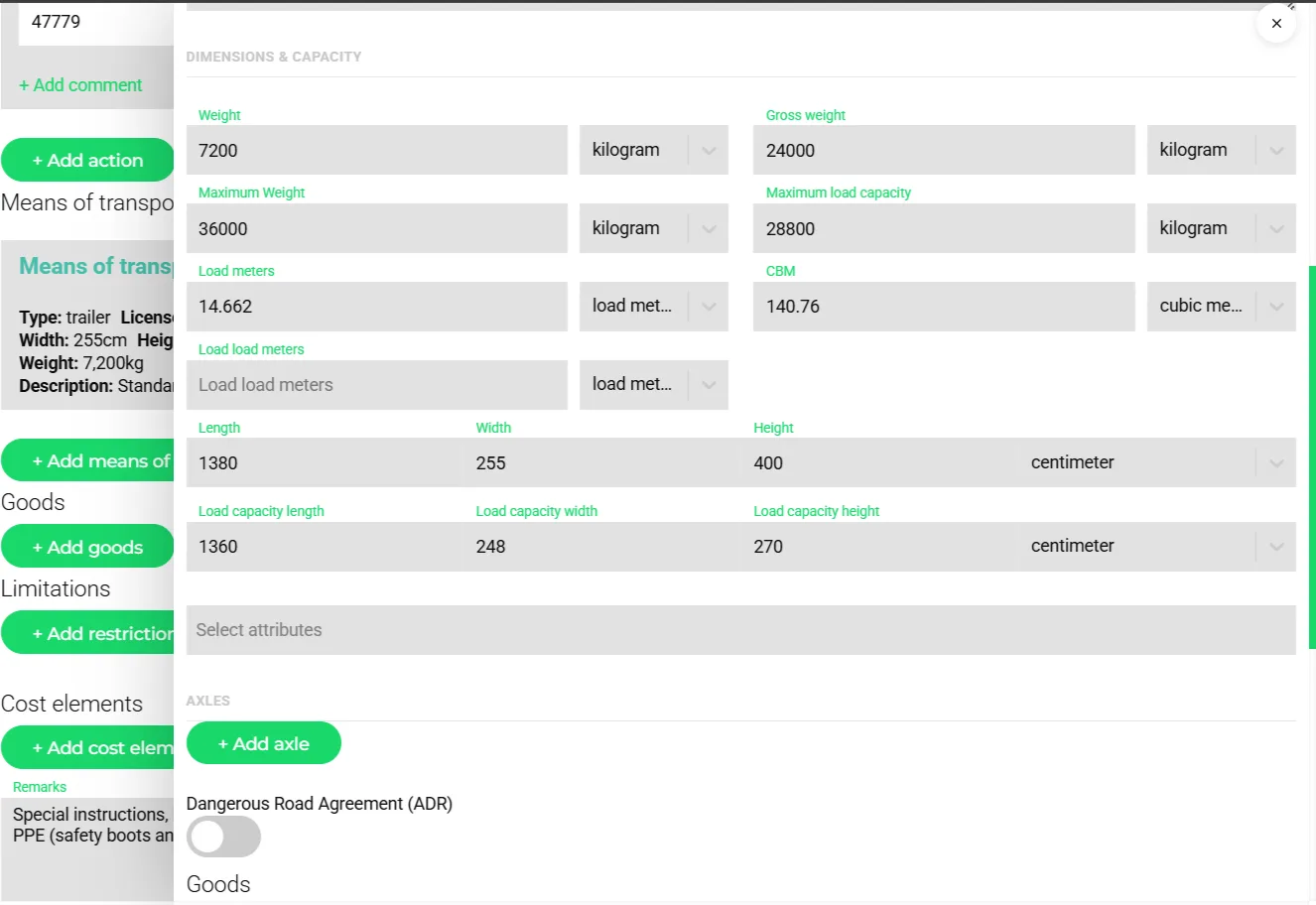
- Weight, gross weight and maximum weight
- Load meters and CBM the unit provides
- Outer and load-capacity dimensions in centimetres
- Axles and ADR flag
Load planning is one of the biggest sources of inefficiency and compliance risk in logistics. Transportial's 3D stack map lets you arrange goods inside a realistic 3D trailer view, validate load plans against weight and stacking rules, and share the final plan with the driver, all before the truck moves.
What it does
Everything this module does, named the way you will find it in the product.
Capacity as data, not a guess
- Load dimensions per unit
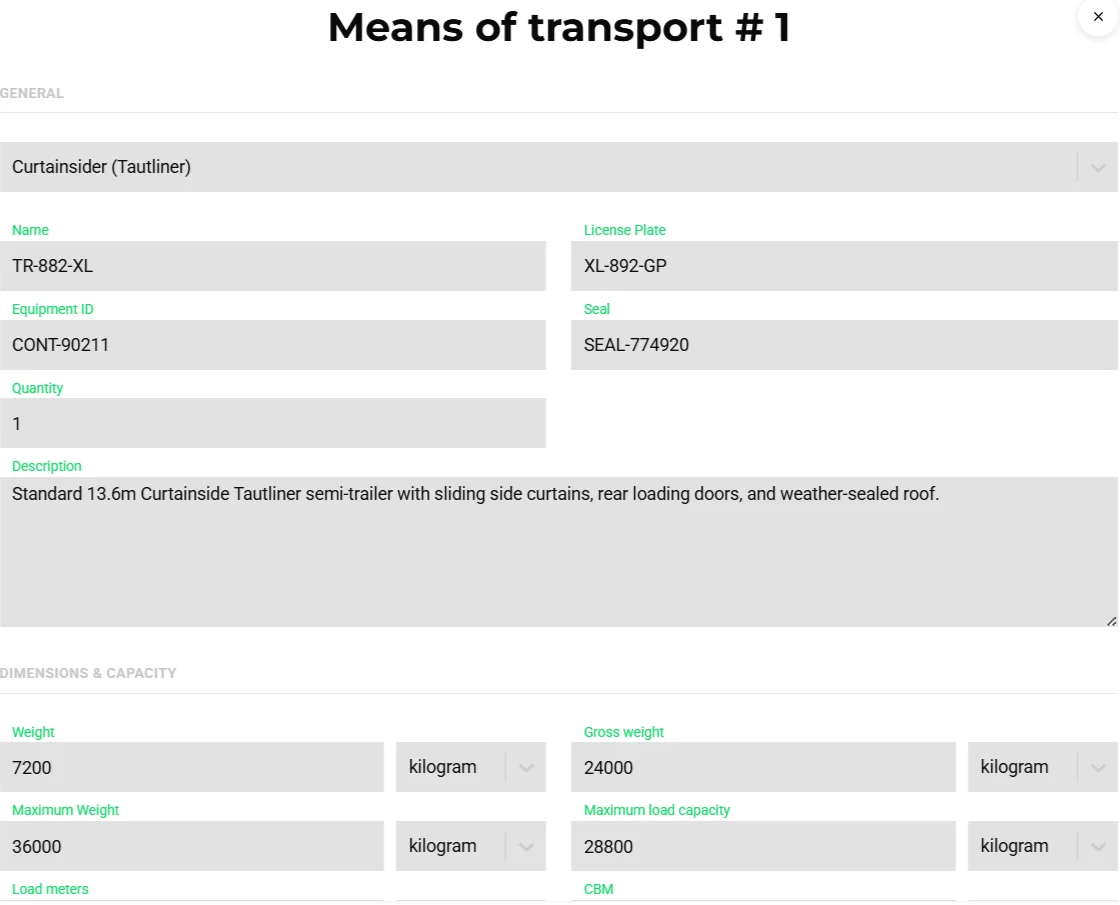
Vehicles and means of transport hold load length, width and height, maximum weight, empty weight, load meters and axles; barges add draught and air draught.
- Derived load meters and CBM
Every goods line gets load meters (length × width ÷ 2.4) and CBM computed from its dimensions, so capacity checks work even when the customer only sends sizes.
- Stacking limits per unit
Goods carry an orientation, whether they are stackable and the most weight one unit may carry on top; the load planner never stacks beyond that and only places a unit on solid support.
- Equipment types with presets
About forty configurable subtypes such as curtainsider, reefer, mega trailer, swap body C745/C782, 20ft and 40ft containers (high cube, reefer, open top, flat rack), rail wagons, ULD LD3/LD6, PMC pallet and barge hold.
The stack map
- 3D stacking view
Trips with a stack map get a "Stacking" tab that renders the load in 3D so planners and dock staff see what goes where before departure.
- Server-side 3D load planning
Load plans are calculated on Transportial's planning servers, from the front wall to the door: support under every unit, maximum load on top, unload order per drop, payload and axle loads. Units that do not fit are listed with the reason, and the plan is stored on the trip.
- Preview in the trip form
The trip form shows a stacking preview while you assemble consignments, so an over-full trailer is visible before the trip exists.
Capacity checks everywhere
- Built-in alerts
Weight exceeded (error) and load meters exceeded (warning) run on every trip save; capacity availability and goods-missing-weight checks are available as toggles. See vehicle tracking and alerts.
- Recommendations
When choosing a vehicle, equipment or an existing trip for a consignment, headroom in weight, volume and load meters is part of the score and the explanation. See trip optimisation.
- Optimiser limits
Maximum colli per route and capacity constraints bound what the optimiser puts on one vehicle.
- Utilisation on the trip
Every trip reports utilisation in square metres, cubic metres, kilograms and load meters, and the FMS dashboard aggregates it per vehicle.
How it works
Describe goods precisely
Quantity, length, width, height, weight, gross weight and stackable weight per goods line; load meters and CBM follow automatically.
Assign the unit
Pick a vehicle or means of transport with known load dimensions. Recommendations already rank units by remaining headroom.
Check the preview
The trip form and the trip's Stacking tab show the 3D stack map; alerts flag weight or load-meter overruns.
Share with the yard
Print the driver trip document with goods, or the loading list template, from the document designer.
Load meters are the currency of European road freight
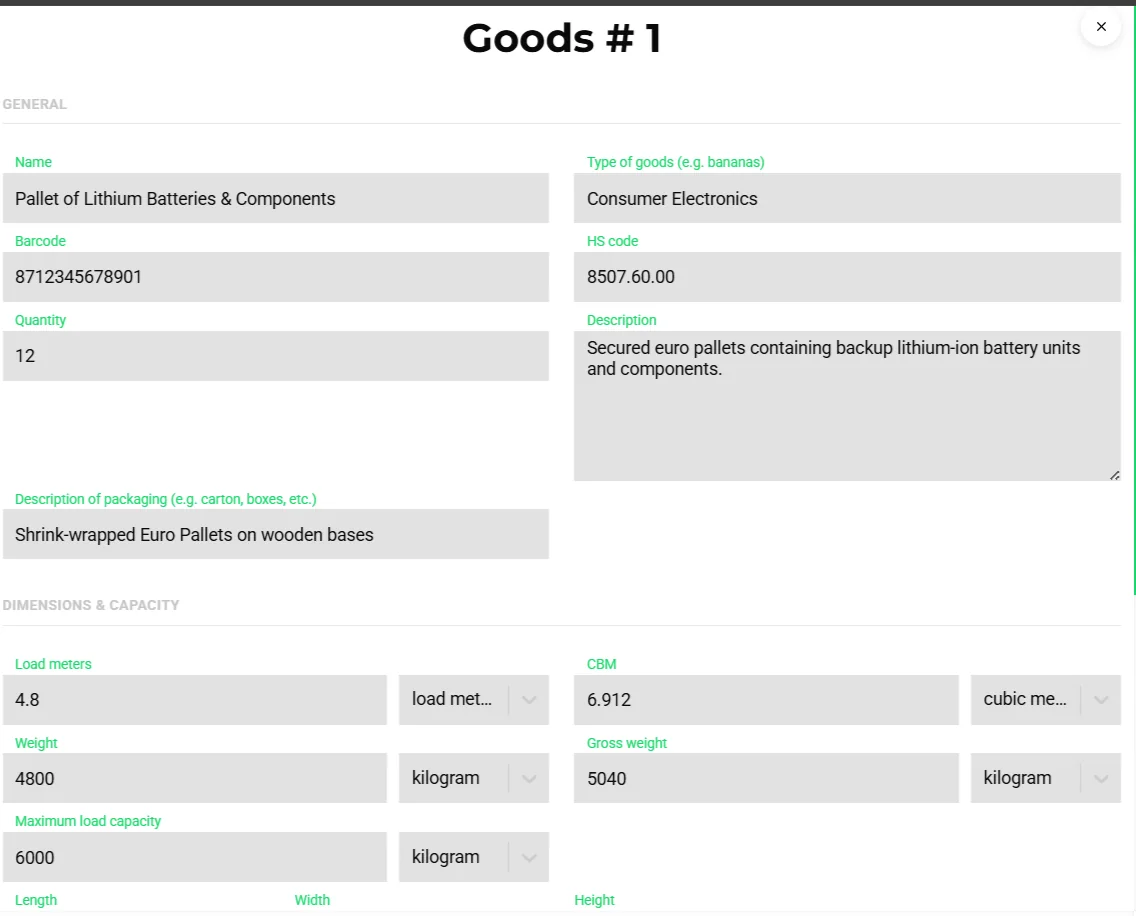
Most part-load pricing and most capacity conversations in Europe run on load meters: the length of trailer floor a shipment occupies at full width. Transportial derives LDM for every goods line from its dimensions and sums it per consignment and trip, so the number the planner sees on the board matches the number on the quote.
Because equipment units carry their own load meters, the check is a comparison of like with like: 13.6 metres of curtainsider against the LDM of what is planned onto it, with a warning the moment it overflows.
Why 3D matters more for mixed cargo
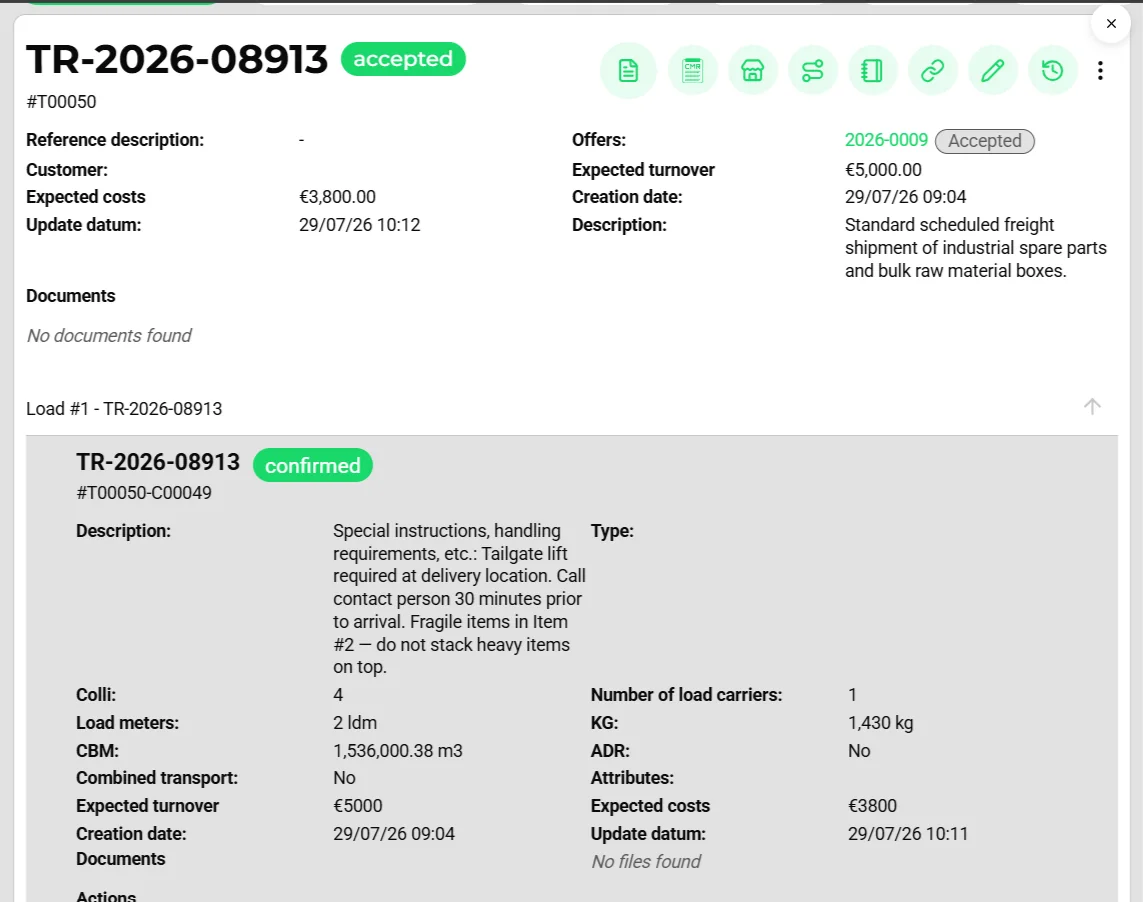
A trailer of uniform pallets does not need a stack map. Mixed cargo does: crates that cannot bear weight, tall items that block stacking, pallets of different footprints. The load planner respects each item's orientation and maximum load on top, keeps goods for later drops deeper so nothing blocks an earlier unload, and checks payload and axle loads, giving a picture the dock can follow and a utilisation figure that is honest about air.
Concepts & terminology
The words this module uses, with links to the full glossary where a term has its own page.
- Load meter (LDM)Glossary
- One metre of trailer floor at full width; derived per goods line as length × width ÷ 2.4.
- CBM
- Cubic metres: the volume of a goods line, computed from its dimensions.
- Stack map
- The 3D load plan stored on a trip, calculated from goods dimensions, stacking limits and drop order.
- Means of transportGlossary
- A trailer, container, swap body, pallet or other load carrier modelled as its own asset with capacity, that can be coupled and uncoupled from vehicles.
- Utilisation
- The share of a unit's capacity in use, reported in m², m³, kg and load meters per trip.
- Colli
- The number of packages in a load; the optimiser can cap colli per route.
Try it free first
Free tools that do part of what 3D Load Planning does, no account needed. When doing it one by one gets old, the module does it for every order automatically.
Built for
Where this module carries the most weight.
Frequently asked questions
Do I have to enter load meters by hand?
No. Load meters and CBM are derived from each goods line's length, width and height. You can still override them.
Which units can hold a load plan?
Any vehicle or means of transport with load dimensions: trailers, containers, swap bodies, rail wagons, ULDs, barge holds and the vehicle's own load space.
What happens when a load does not fit?
The trip raises a weight-exceeded error or a load-meters-exceeded warning on save, and recommendations rank alternative units by remaining headroom.
Can the driver see the load plan?
Yes. Generate the driver trip document with goods or a loading list from the document templates, or share the trip execution link.
View all features
Ready to put this to work?
Start free with full platform access, or talk to our team about your specific operation.