

Multi-Tenancy & White-Label
Run your own branded logistics platform, fully isolated, fully customizable, on your own domain.
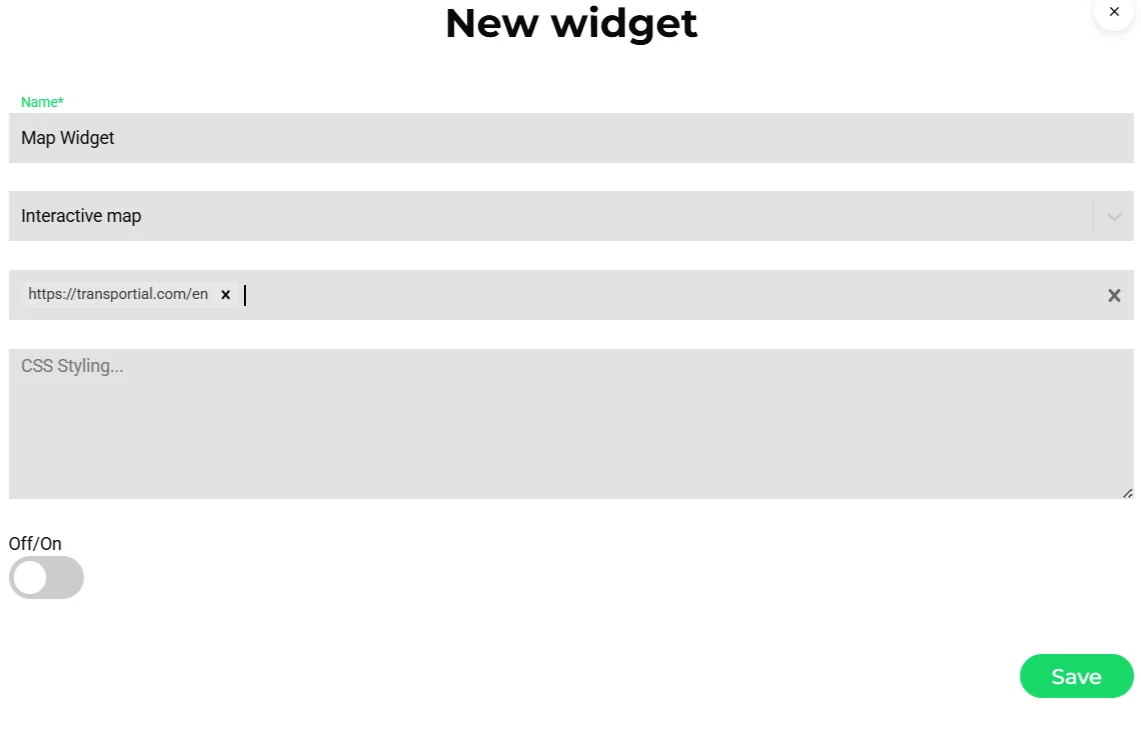
- Widget type
- Allowed hostnames
- Custom CSS for your brand
Transportial is built from the ground up as a multi-tenant SaaS. Every customer gets a fully isolated instance with separate data, users, and configuration. And for solution providers who want to resell or embed TMS capabilities under their own brand, the white-label layer makes it seamless.
What it does
Everything this module does, named the way you will find it in the product.
Tenancy
- Platforms and sub-platforms
A platform is the tenant. Platforms can be children of a parent platform, users can belong to several platforms and switch between them from the header.
- Isolation
Tenancy is enforced in the data layer, and the live push checks that a socket can only subscribe to its own tenant's stream.
- Teams
Teams with their own users, vehicle groups, fleets, features, managers, order and shipment prefixes, e-mail integration and order auto-assignment rules with priorities.
- Feature flags
Features per platform, team or user: boards, planners, tenders, watchtower, insights, reporting, financial, management, optimizer, to-do, route planner, exceptions, mail, cameras, capacity, app store, alerts, stacking, calendar events, workflows, recommendations, FMS and order templates.
Branding
- Theme
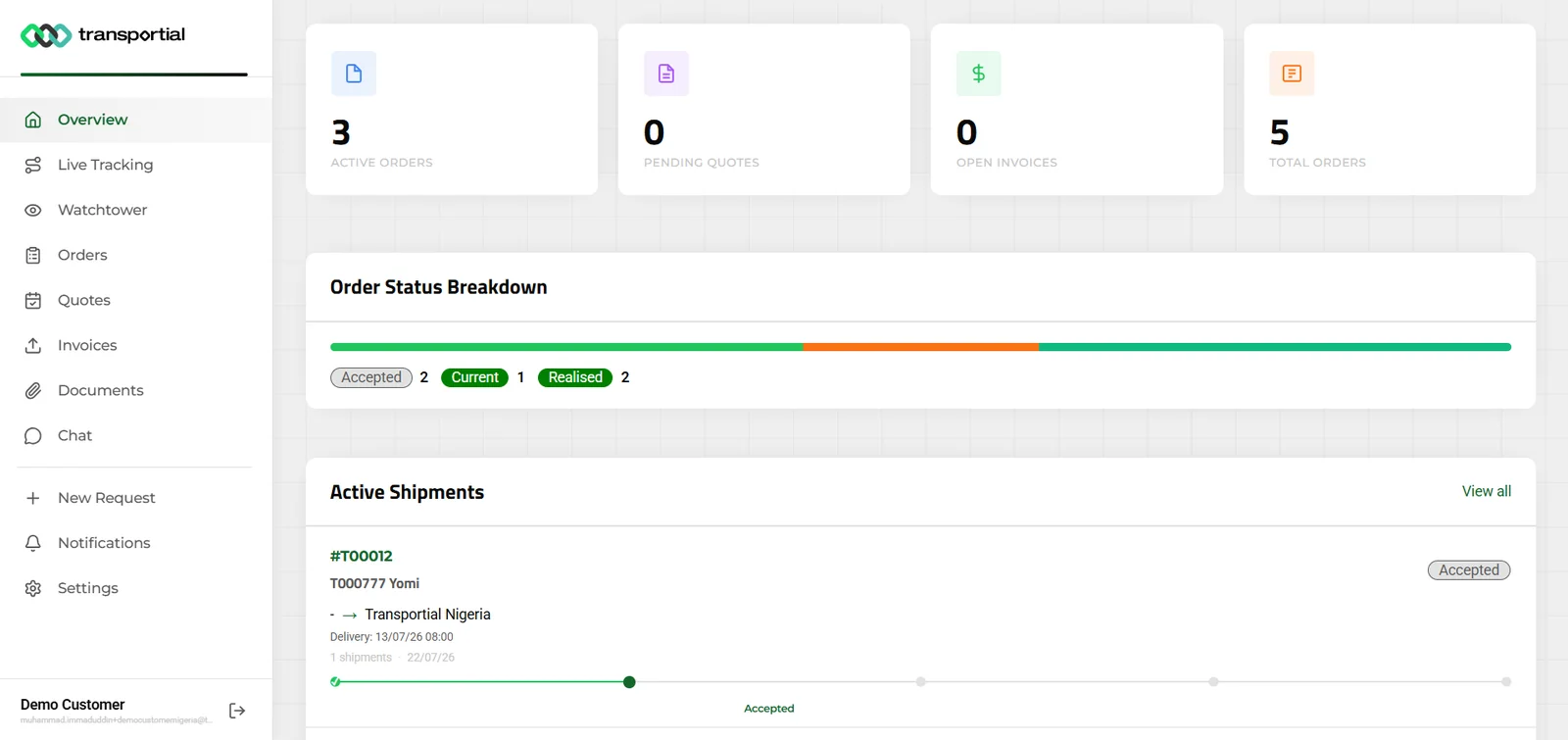
Light and dark logos, favicons, backgrounds, primary and secondary colors and custom host names per platform.
- Labels
Platform label configuration renames any term per language; translation settings add custom language bundles.
- Templates and portal
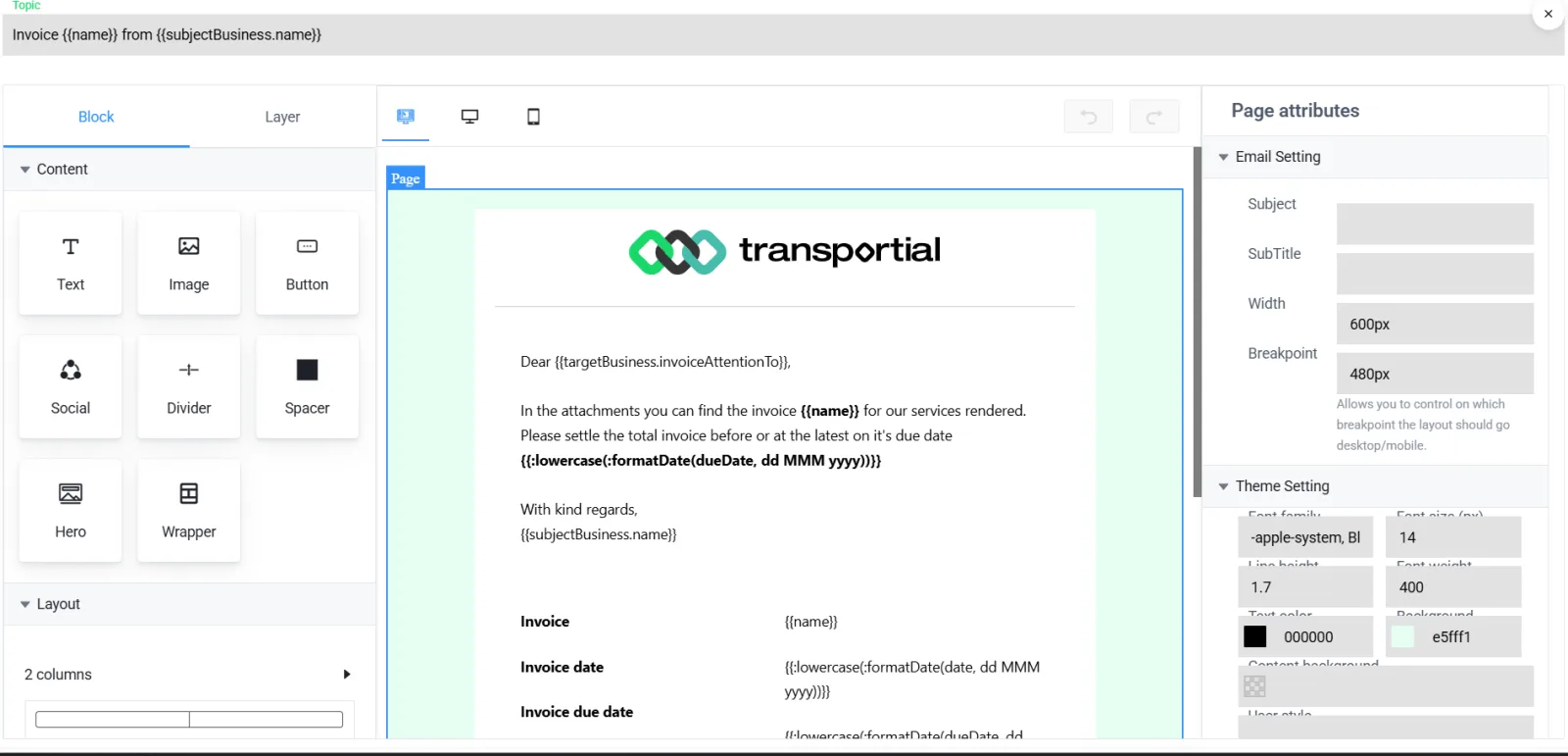
Document and message templates substitute the platform's branding; the customer portal and widgets follow it.
- Custom map layers
UI settings for map layers, hidden fields and an onboarding banner per platform.
Settings that make a platform yours
Every group is configurable per tenant.
- Operations
Planning (EU 561/2006, ETA, first-to-accept, cancellation, grouped execution, default durations, auto-start on arrival), routing engines and modes, emissions, alerts, integrations, compliance, energy, bulk edit, FMS, driving style and chat.
- Commercial
Pricing categories, tax rates, default driver and vehicle cost pricing, financial and customer portal settings.
- AI
Provider per platform (OpenAI GPT-4.1, Google Gemini 2.5 or Anthropic Claude Sonnet 4) and guards such as only using existing businesses and locations.
- Perspectives
Settings groups with default user settings, a landing view and a shortcut, so a dispatcher and a finance user open different products on the same platform.
Billing and administration
- Plans
Plans with an interval, trial days and usage prices per user, vehicle, shipment, invoice, quote, trip, automation and integration runtime, billed through Stripe with a payment gate for expired trials.
- Super admin
Platform management, support center with tickets, message automation and document template catalogs, app approvals and simulations.
- Onboarding wizard
Company profile, modalities, operations, shipment and equipment types, fleet, telematics, registry, financial, features, automations, data import and preferences, with presets per company type from carrier to air cargo handler.
How it works
Create the platform
A tenant with host names, theme and languages; optionally as a child of your parent platform.
Switch features on
Choose the modules per platform, team or user.
Brand it
Logos, colors, labels, templates and portal; widgets on the customer's website.
Run onboarding
The wizard seeds types, automations, fleet and integrations from presets.
Bill
Assign a plan; usage is metered and invoiced through Stripe.
One codebase, many products
A white-label platform is not a logo swap. Labels, hidden fields, enabled modules, routing engine, alert rules, templates and pricing categories all differ between a parcel network and a tank-container operator. Transportial keeps them as per-platform settings on one codebase, so a reseller runs several products, each looking and behaving like its own, and every improvement ships to all of them.
Concepts & terminology
The words this module uses, with links to the full glossary where a term has its own page.
- Platform
- The tenant: settings, branding, host names, users and data, optionally a child of a parent platform.
- Team
- A group inside a platform with its own users, fleets, features, prefixes and order assignment rules.
- Feature flag
- A named module switch that can be set per platform, team or user.
- Perspective
- A settings group with defaults and a landing view, switchable by shortcut.
- Label configuration
- Per-platform renaming of terms in each language.
- Plan
- A subscription with interval, trial and usage prices per element.
Works with
Connectors that feed or consume this module out of the box.
 Stripe
 Microsoft 365
Multi-tenancy is enforced in the data layer on every request and in the live push channel. Settings, feature flags, labels and branding are stored per platform; sub-platforms hang under a parent and users can belong to several platforms.
Frequently asked questions
Can I run the platform under my own domain and brand?
Yes. Custom host names, light and dark logos, favicons, colors and per-language labels are platform settings; templates, portal and widgets follow them.
How is tenant data isolated?
Tenancy is enforced in the data layer and in the live push, and users see only the platforms they belong to.
Can features differ per customer?
Yes. Feature flags are set per platform, team or user, and plans meter usage per element.
Can a reseller manage many platforms?
Yes. Sub-platforms under a parent, a platform switcher in the header, super-admin tools and template catalogs that brand themselves per tenant.
Is single sign-on available?
Yes. SAML 2.0 with SP and IdP metadata and an exchange log. See security.
View all features
Ready to put this to work?
Start free with full platform access, or talk to our team about your specific operation.